
Features
The day spine, built in
Command Center through Reports — every piece of the operation in one system.
Command Center
Start every day knowing what matters
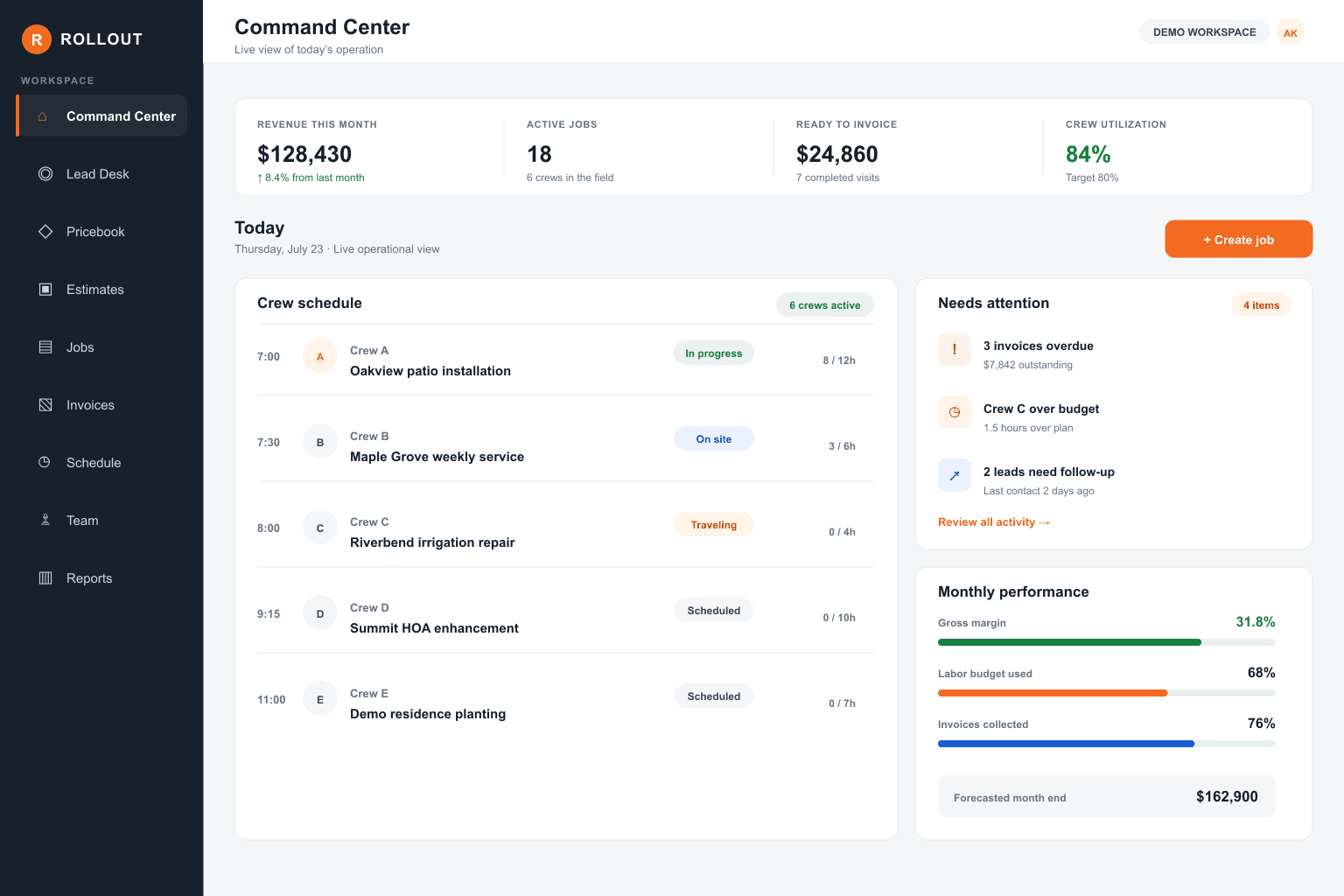
Command Center is the morning board for the operation — what’s scheduled, what’s at risk, and what still needs to get billed.
See today’s jobs, open leads, and ready-to-bill work in one place
Lead Desk
Never lose a lead in a text thread again
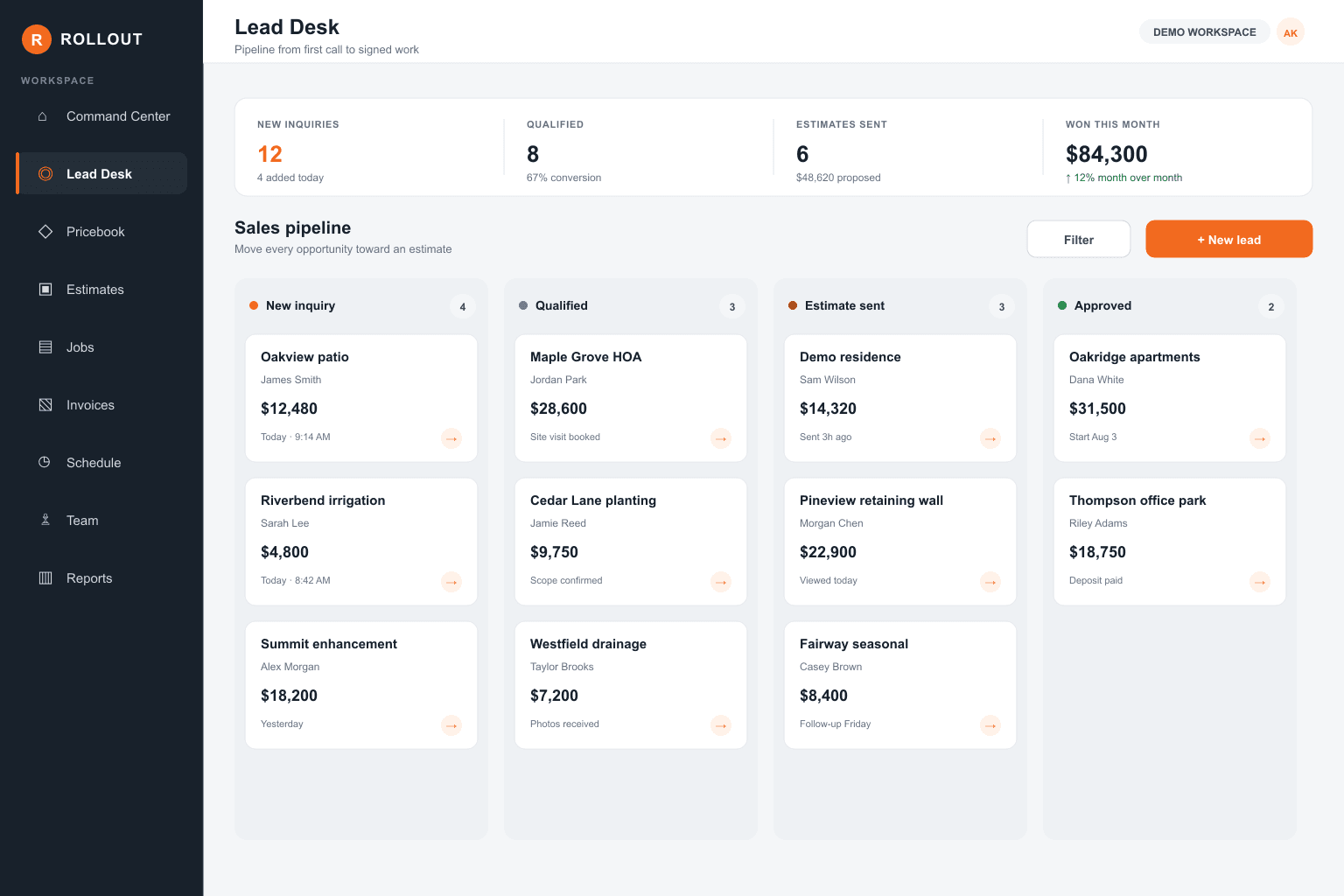
Lead Desk catches new inquiries, keeps follow-ups honest, and turns the ones that win into customers and estimates.
Capture calls, forms, and walk-ups in one queue
Pricebook
Price the work the same way every time
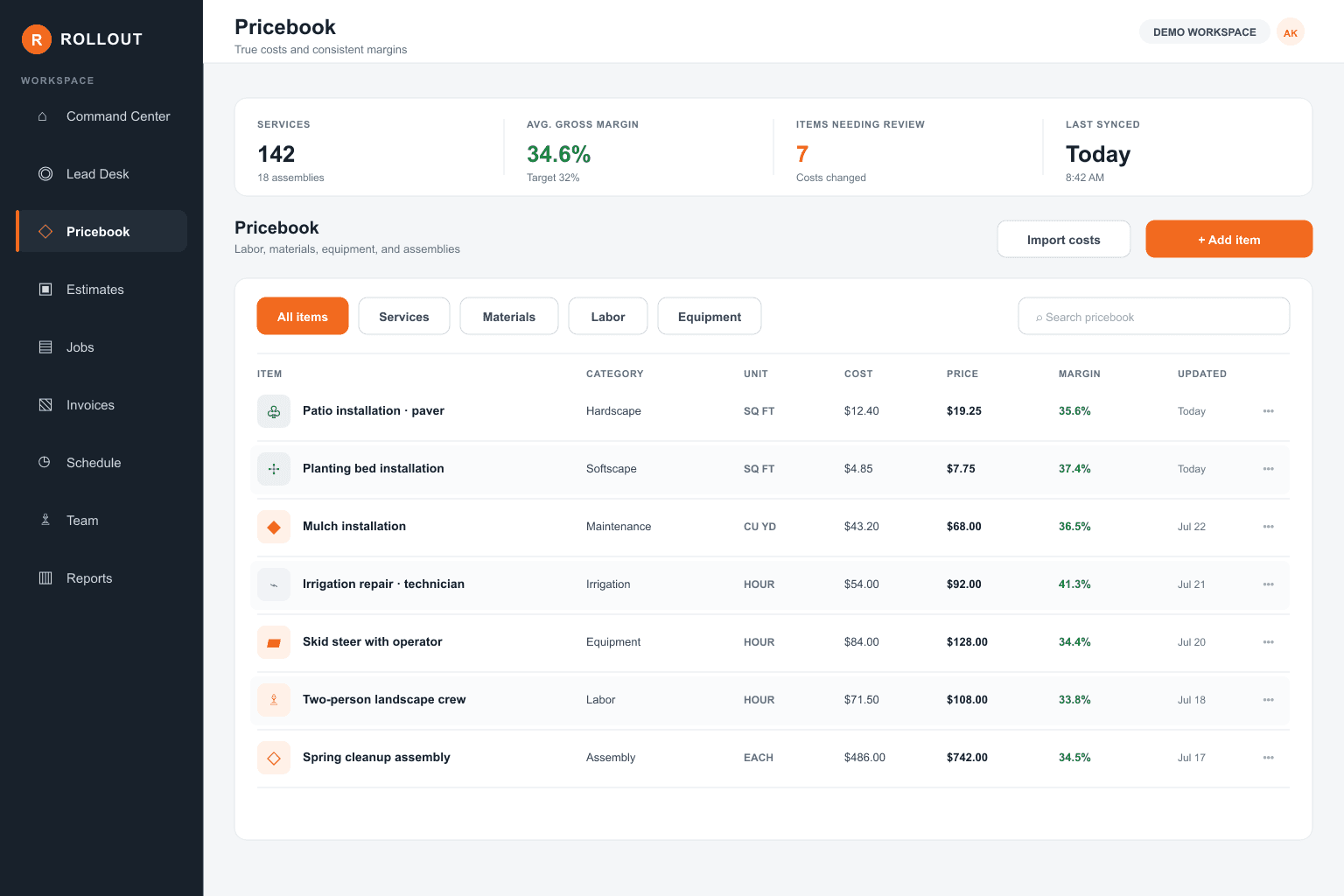
Pricebook holds your services, materials, and rates so estimates stay consistent — and crews know what was sold.
Build services and material lines once, reuse everywhere
Keep rates current without hunting old PDFs
Push clean scope into estimates and jobs
Operations
From estimate to job to the day’s route
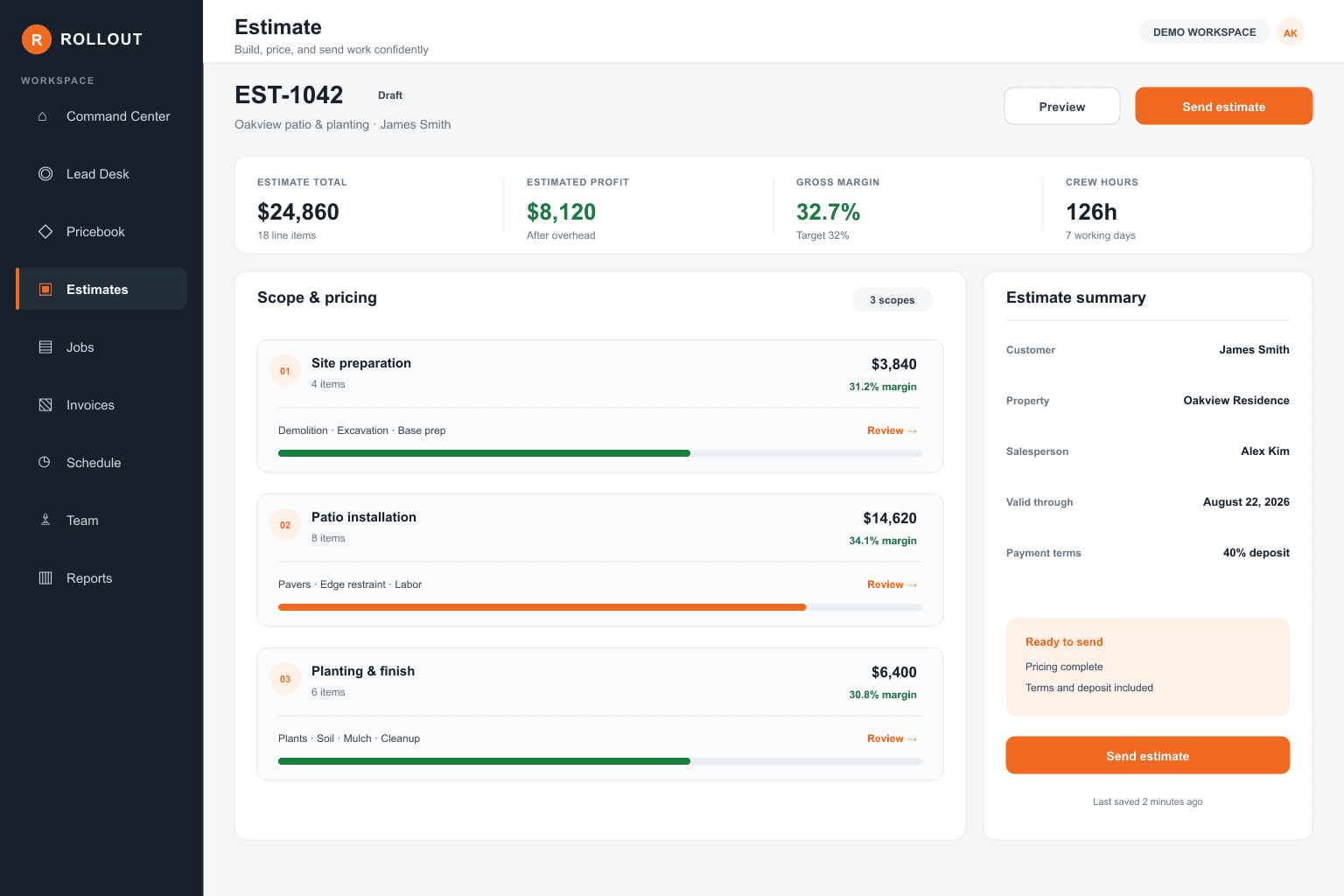
Operations is the spine of the work: scope it, schedule it, and run it without bouncing between tools.
- 01
Build and send estimates that become real jobs
- 02
Schedule crews with hours that match the sold work
- 03
Keep job status clear from visit to completion
Team
People, crews, and who does what
Team keeps your roster, roles, and crew assignments straight so the right people show up on the right work.
Organize crews and assignments without a spreadsheet
Roles that match how outdoor companies actually run
Keep field and office looking at the same people list
Finance
Bill what happened — and get paid
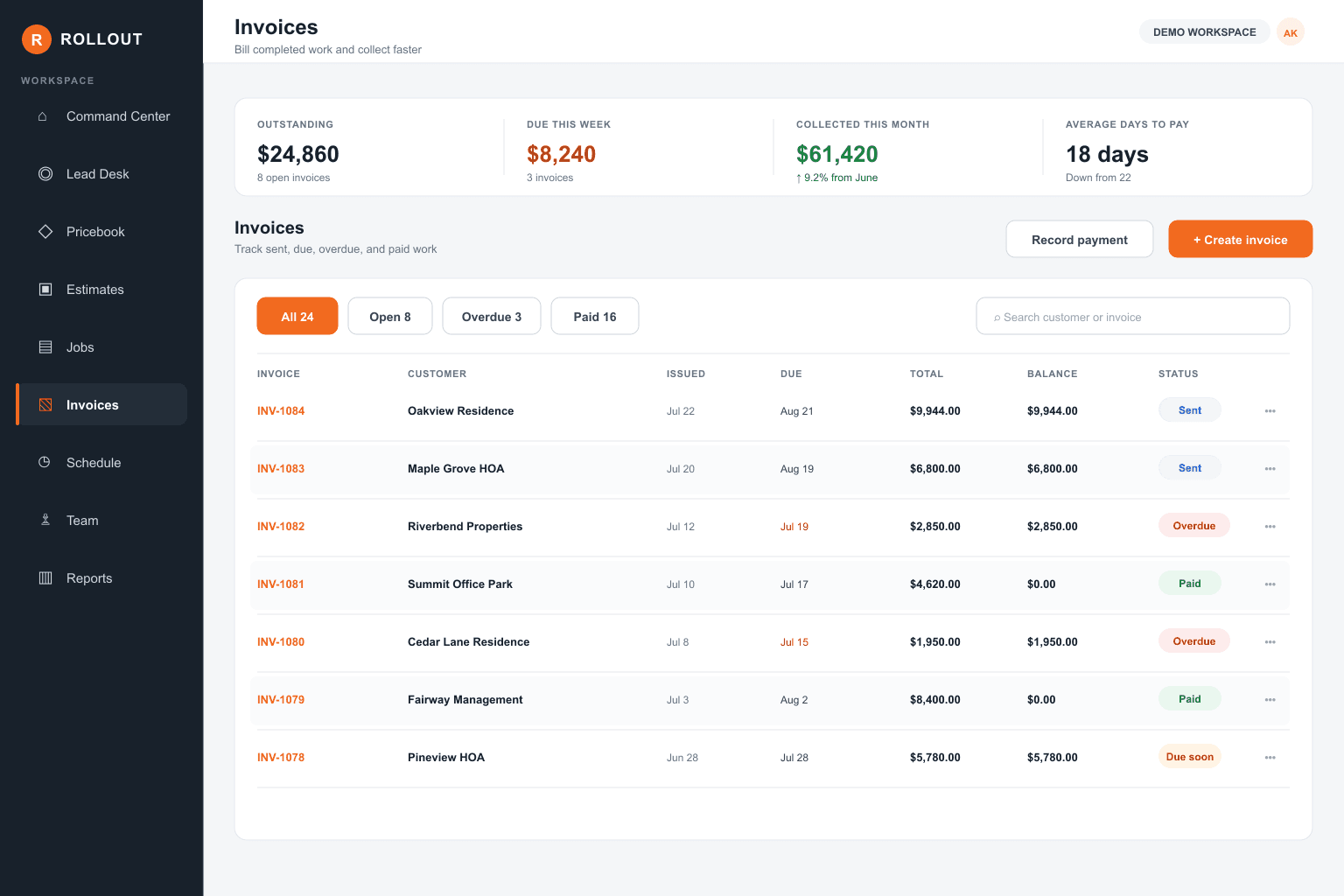
Finance turns completed work into invoices, tracks what’s owed, and keeps payments tied to the job.
- Invoice from completed work instead of memory
- See open balances without a separate AR chase sheet
- Record payments against the right customer and job
Reports
See hours, margin, and what’s off track
Reports show where time went, what’s profitable, and which jobs are drifting — before the month surprises you.
Compare budgeted hours to what crews actually used
Spot jobs that are eating margin
Pull the numbers owners ask for without a export scramble
See it in a real workspace
Click through sample customers, routes, and invoices — or start a free trial with your own crew.